➤ Anmelden | |
TPC Hosting Support
Support-Center
Es gab ein Problem beim Laden der Kommentare.

How to Change the VNC Password in SolusVM

HelpDesk  »  Wissensdatenbank  »  Artikel betrachten

  Drucken

You can change the VNC password using SolusVM.

1. Log in to your SolusVM Control Panel.

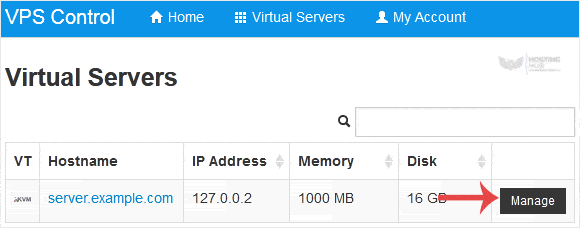
2. If you have multiple VPSs, select the appropriate one.
3. Scroll down. Under the VNC Password tab, enter your new password. Then click on Change.

4. Click Yes to confirm and then reboot your VPS.


Teilen über
Fanden sie diesen Artikel hilfreich?  

Ähnliche Artikel


Kommentar

hinzufügen Kommentar

Antworten an  

Kategorien